








Selling custom value gift vouchers
You can let customers buy a gift voucher of any value by giving an item a custom price instead of a fixed one. You can also set the minimum and maximum value they can enter.
How to set it up
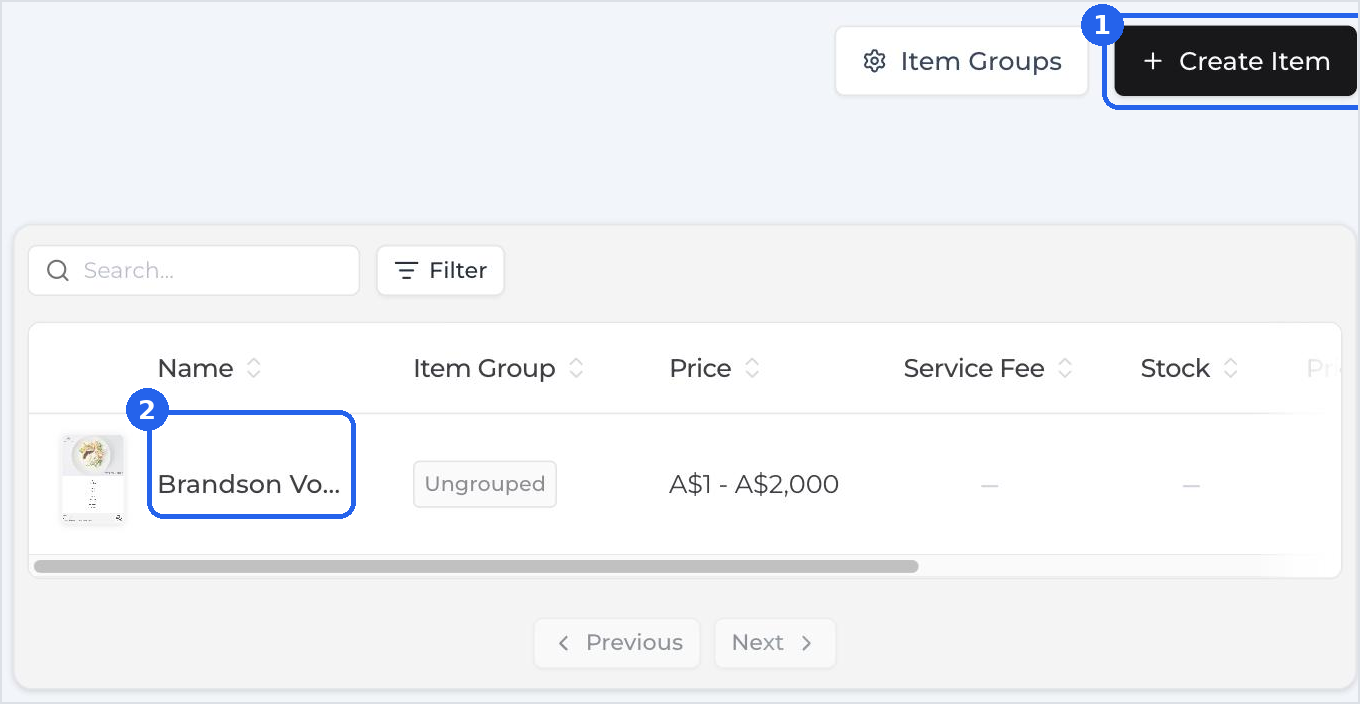
- Click Items in the left menu.
- Click View on an item, or click Create Item.
- Under Pricing, choose Customer can choose the gift voucher value.
- Set the Min amount and Max amount.
- Click Save Changes.
What customers see
At checkout, customers enter the amount they want, within your minimum and maximum.
