









Add checkout to Squarespace
You can sell gift vouchers directly from your Squarespace website by adding the VaocherApp checkout to a page. It’s an easy way to sell gift vouchers online, increase revenue and attract new customers, with a smooth experience for your customers.
How it works
You embed the VaocherApp checkout on a Squarespace page. Customers fill in the form and pay. The gift voucher is then sent automatically to the recipient’s email, or to the purchaser if no recipient email was given.
To redeem, customers show their voucher code when they visit. You check the balance and redeem it in VaocherApp.
How to add the checkout to Squarespace
Step 1: Get your checkout code
- Log in to your VaocherApp dashboard and click Settings in the left menu.
- Click Get Your Checkout Code/Link.
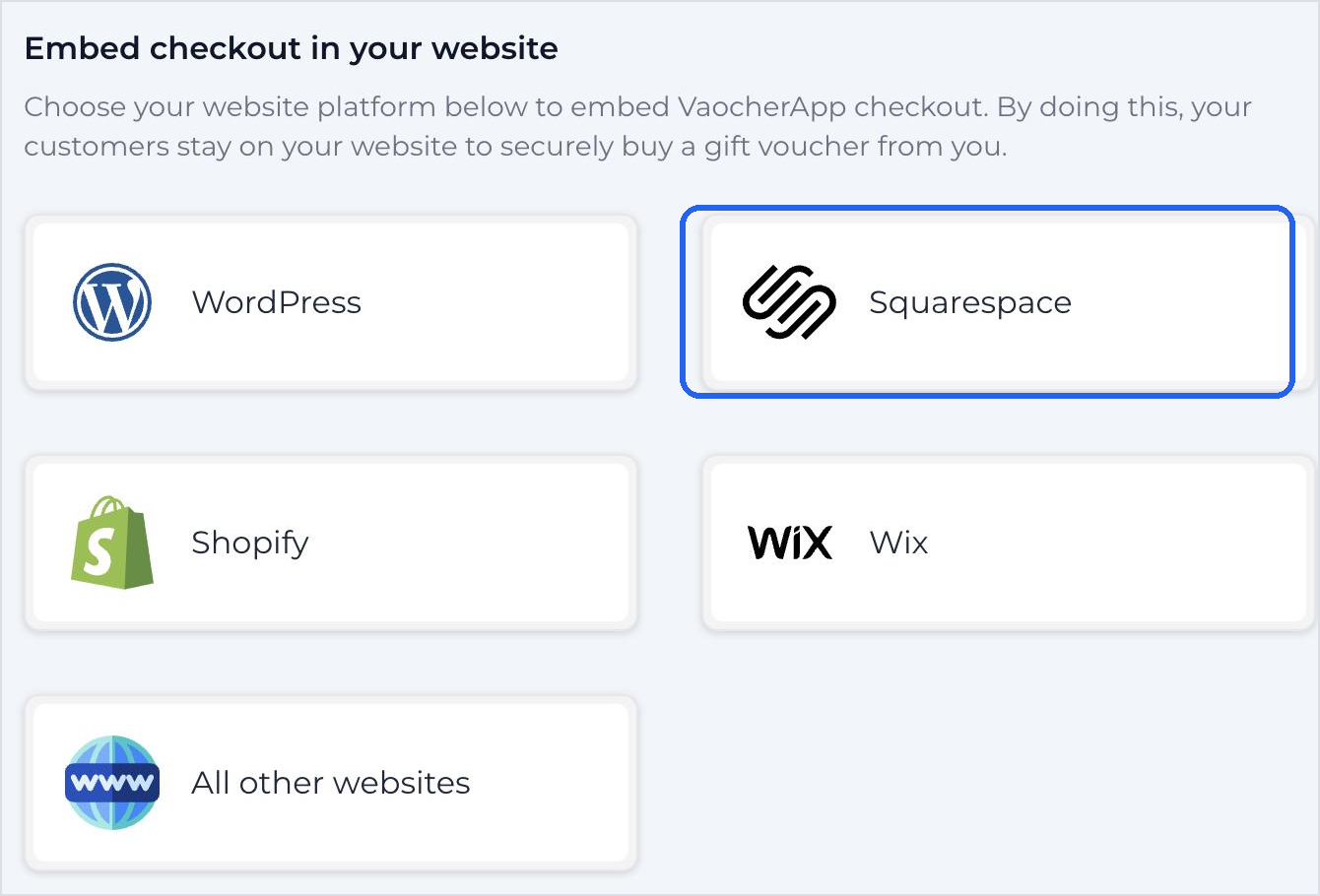
- Under Embed checkout in your website, click Squarespace.
Step 2: Add it to your Squarespace page
The steps depend on your Squarespace plan. Follow the instructions shown in VaocherApp after you click Squarespace. On most plans you:
- Edit the page in Squarespace
- Add a Code block
- Paste the VaocherApp code
- Save and publish the page
Step 3: Test it
Open the page and place a test order. See How to enable test mode and place test orders.