


How to find your checkout link
If you don’t have a website, or you want to link to your checkout from a marketing email, social post or QR code, you can use your VaocherApp-hosted checkout page. Just share the link and customers can buy gift vouchers straight away.
Step 1: Open Checkout Code/Link
- Log in to VaocherApp and click Settings in the left menu.
- Click Get Your Checkout Code/Link.

Step 2: Copy your link
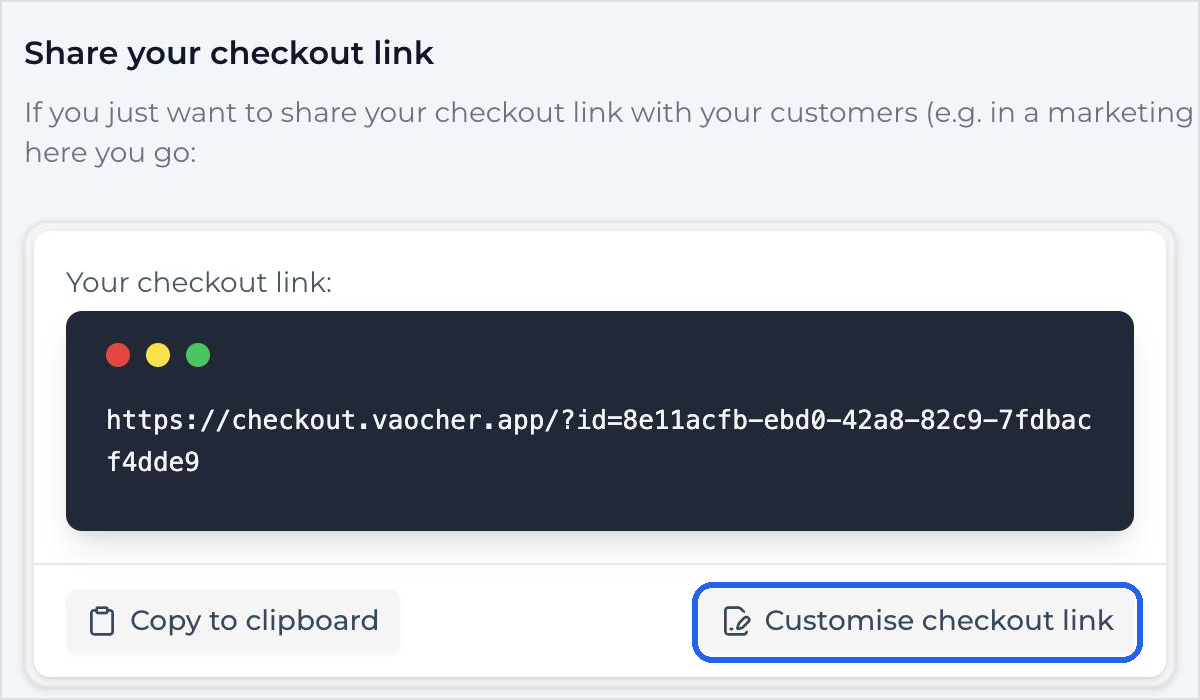
Under Share your checkout link, click Copy to clipboard, then paste the link wherever you want.
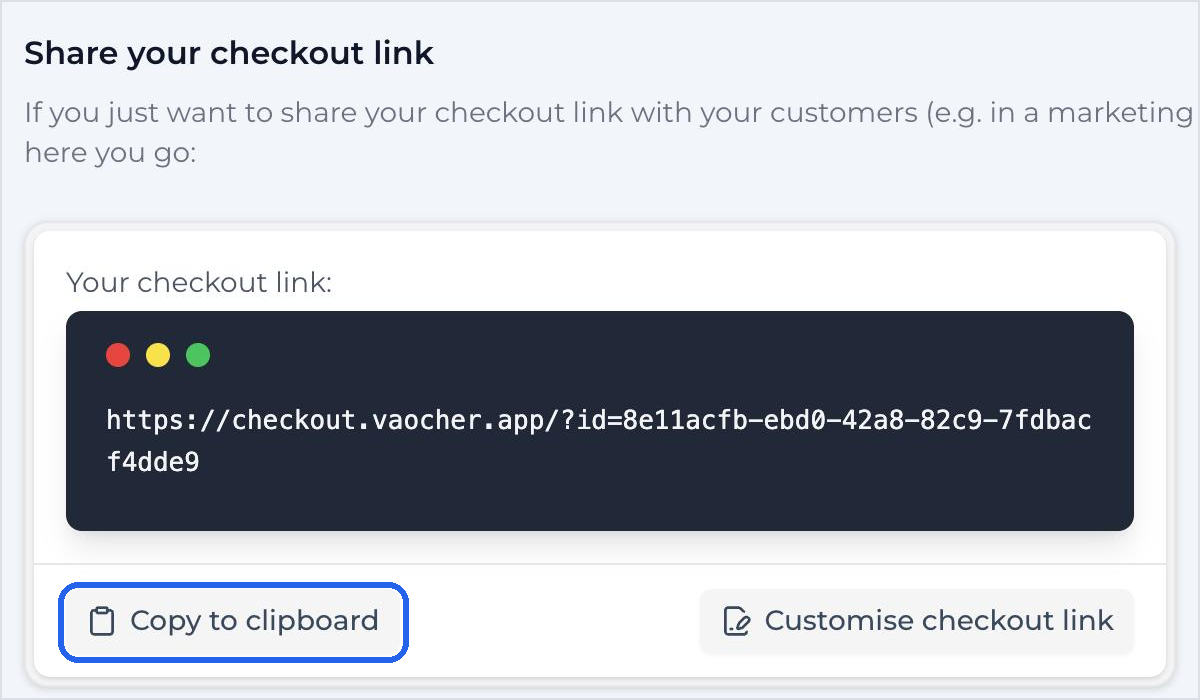
Your checkout link looks similar to:
https://checkout.vaocher.app/?id=your-checkout-id...
Tip: make sure test mode is turned off before you share the link.
Step 3 (optional): Customise the link
Click Customise checkout link to show only certain items, set the default language or change the embed mode. The link updates as you change the options.