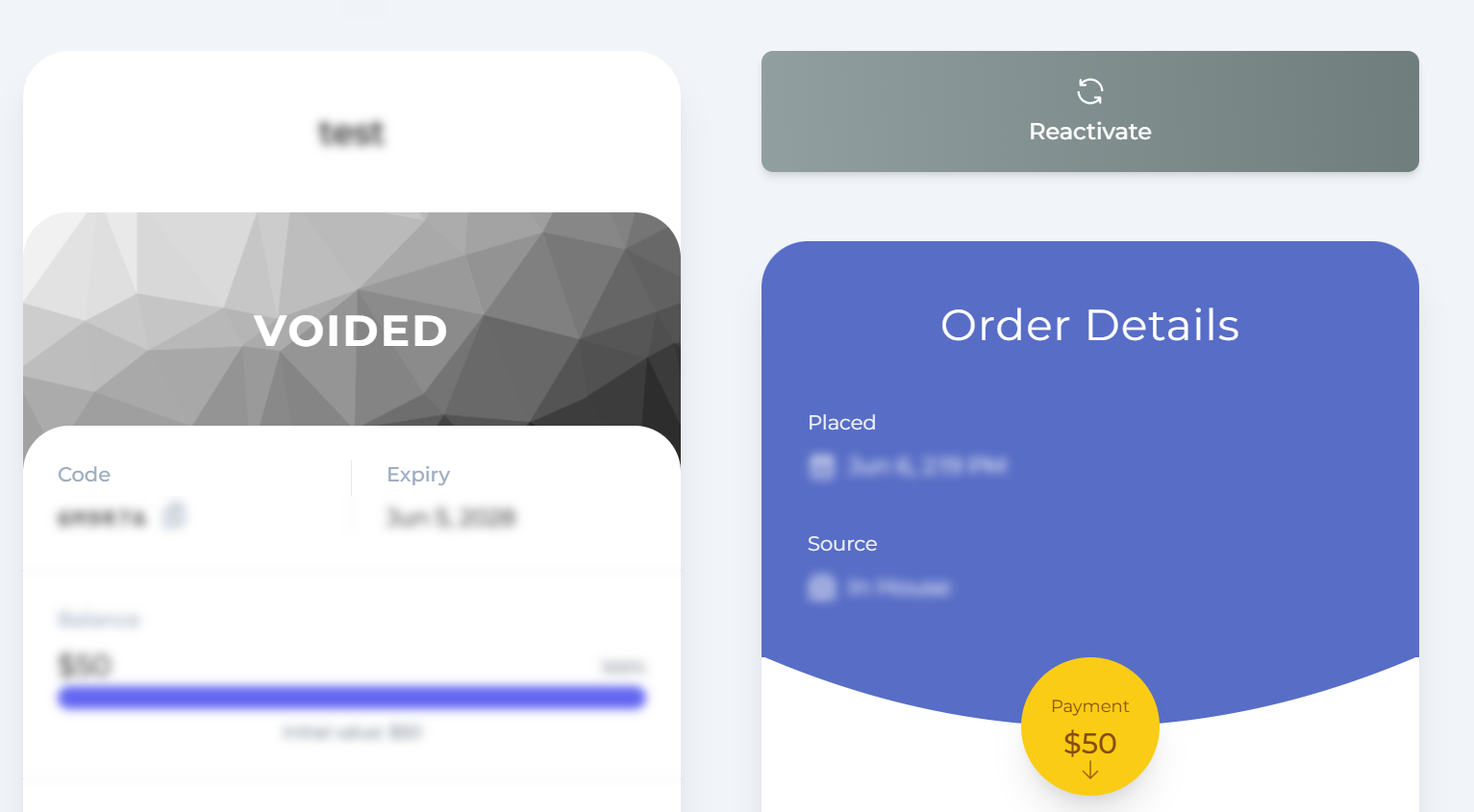









How To Void Gift Voucher
💡 Need to undo a voided voucher?
See our guide on how to reactivate a gift voucher.
In VaocherApp, gift vouchers cannot be deleted for reporting and record-keeping purposes.
However, you can void a voucher so that it can no longer be used by the customer.
Follow the steps below to void a voucher from your Dashboard.
Steps to Void a Gift Voucher
1. Log in to your VaocherApp Dashboard
Go to vaocher.app and sign in with your account credentials.
2. Navigate to the Orders section
From the main menu, click on Orders to view all gift voucher transactions.
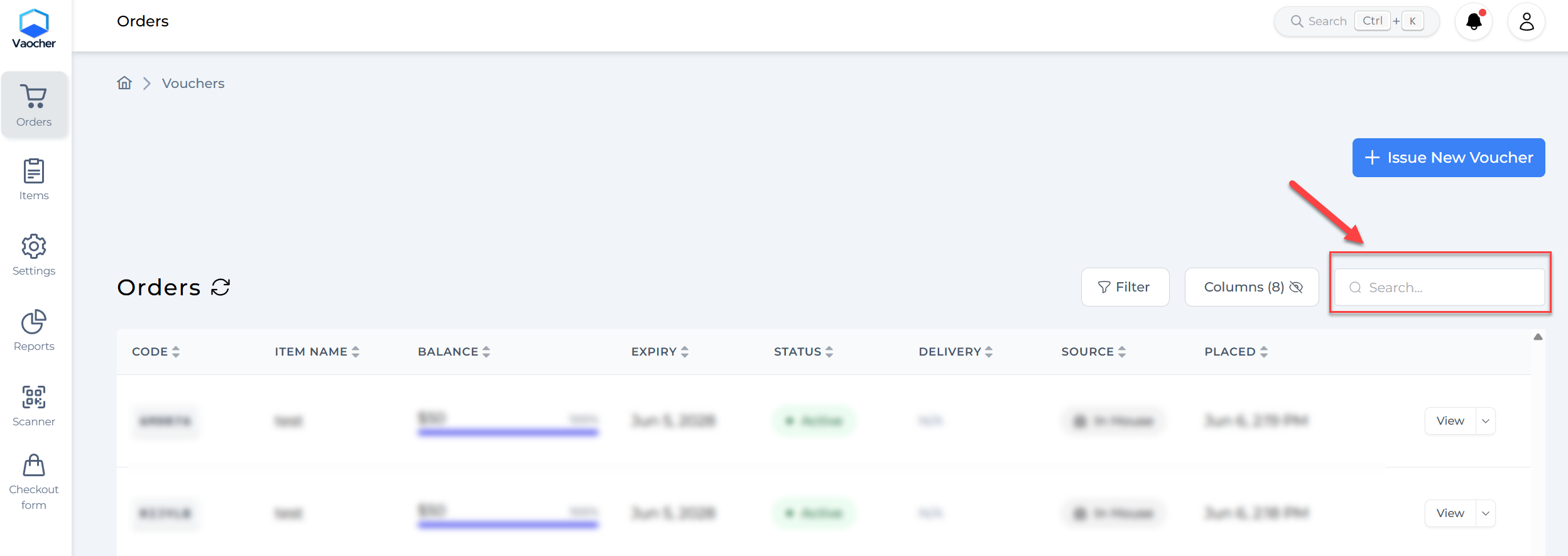
3. Search for the voucher
Use the search bar to find the voucher you’d like to void.
You can search using the voucher code, purchaser’s name, or recipient email.
4. Void the voucher and confirm
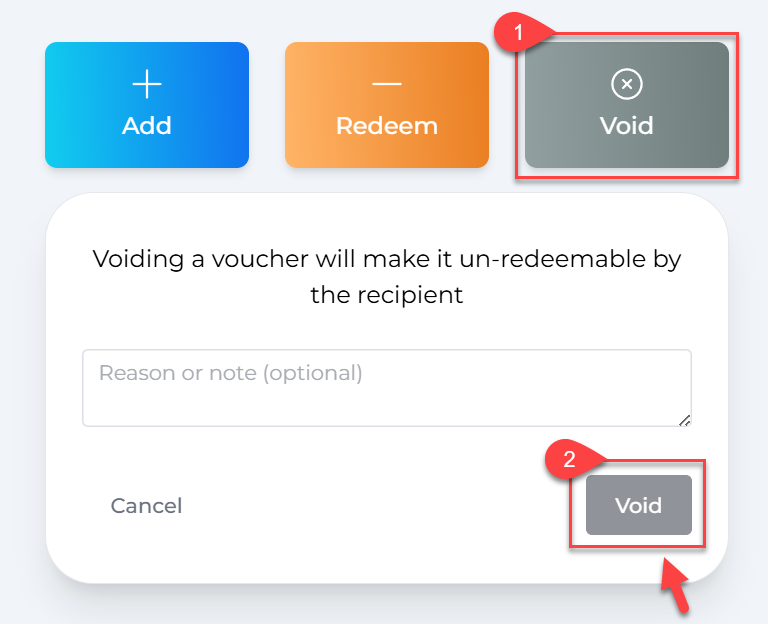
Once you’ve located the voucher, click the Void button next to it.
A pop-up will appear where you can add a private note or reason for voiding the voucher — this step is optional but useful for internal tracking.
Click Void again to confirm the action.
What Happens Next?
Once voided:
- The voucher cannot be redeemed
- It remains visible in your Dashboard and reports
- The action is logged for record-keeping
- You can still reactivate the voucher if needed