Immediate email delivery
When an online order is paid, VaocherApp sends the recipient email with the voucher download link.
- Branded recipient email from your business
- PDF voucher ready to open or save
- Purchaser and recipient kept informed

Voucher delivery
Make the Gift Easy to Receive
After a customer buys a gift online, the recipient needs a clear email and a voucher they can open or save. VaocherApp handles that delivery with your branding.
Selling online? See online voucher sales
Mail — Inbox
Harbour & Grove Café
Alex sent you a gift voucher
Just now
Stripe
Your receipt…
2m
Sam Recipient
Re: Saturday brunch
Yesterday
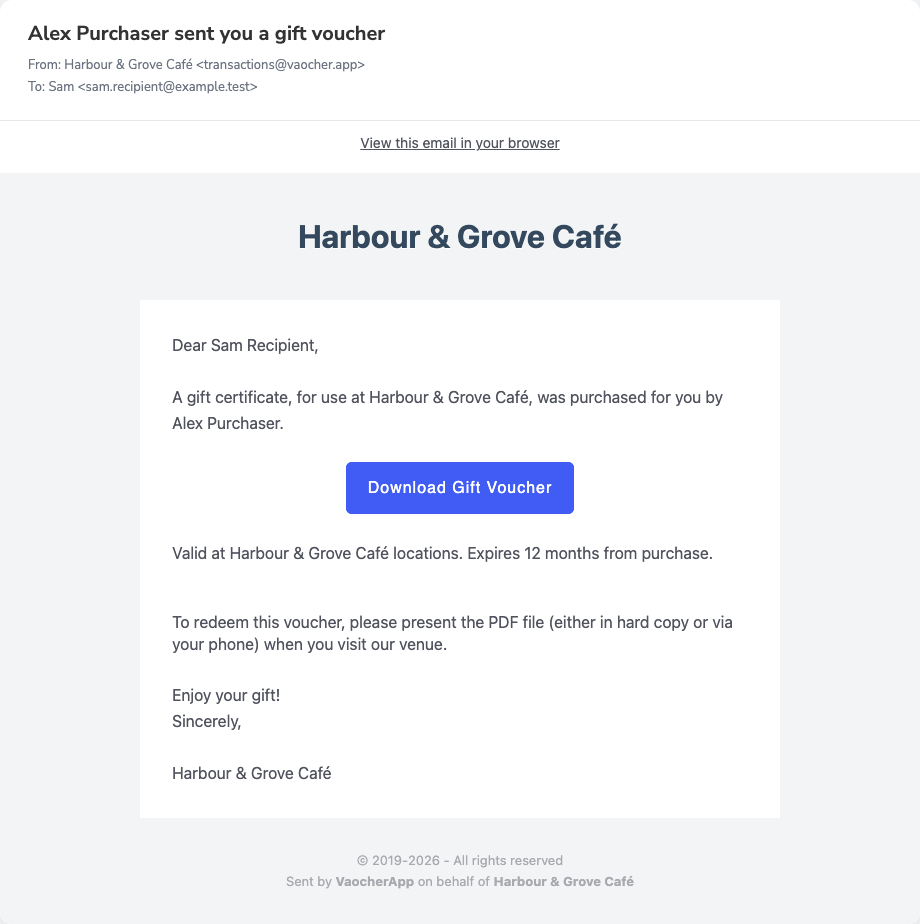

Clear recipient experience
Branded email with the gift details and a simple way to open the voucher.
Downloadable voucher
Recipients can open or save a PDF voucher from the email.
Branded communication
Your business name and design carry through to the email and PDF.
From purchase to inbox
Once payment is confirmed, VaocherApp sends the recipient a branded email with their voucher ready to open or download.
When an online order is paid, VaocherApp prepares the voucher for delivery.
The recipient receives a branded email with a link to download their voucher.
They open the PDF on their phone or save it to redeem at your business.
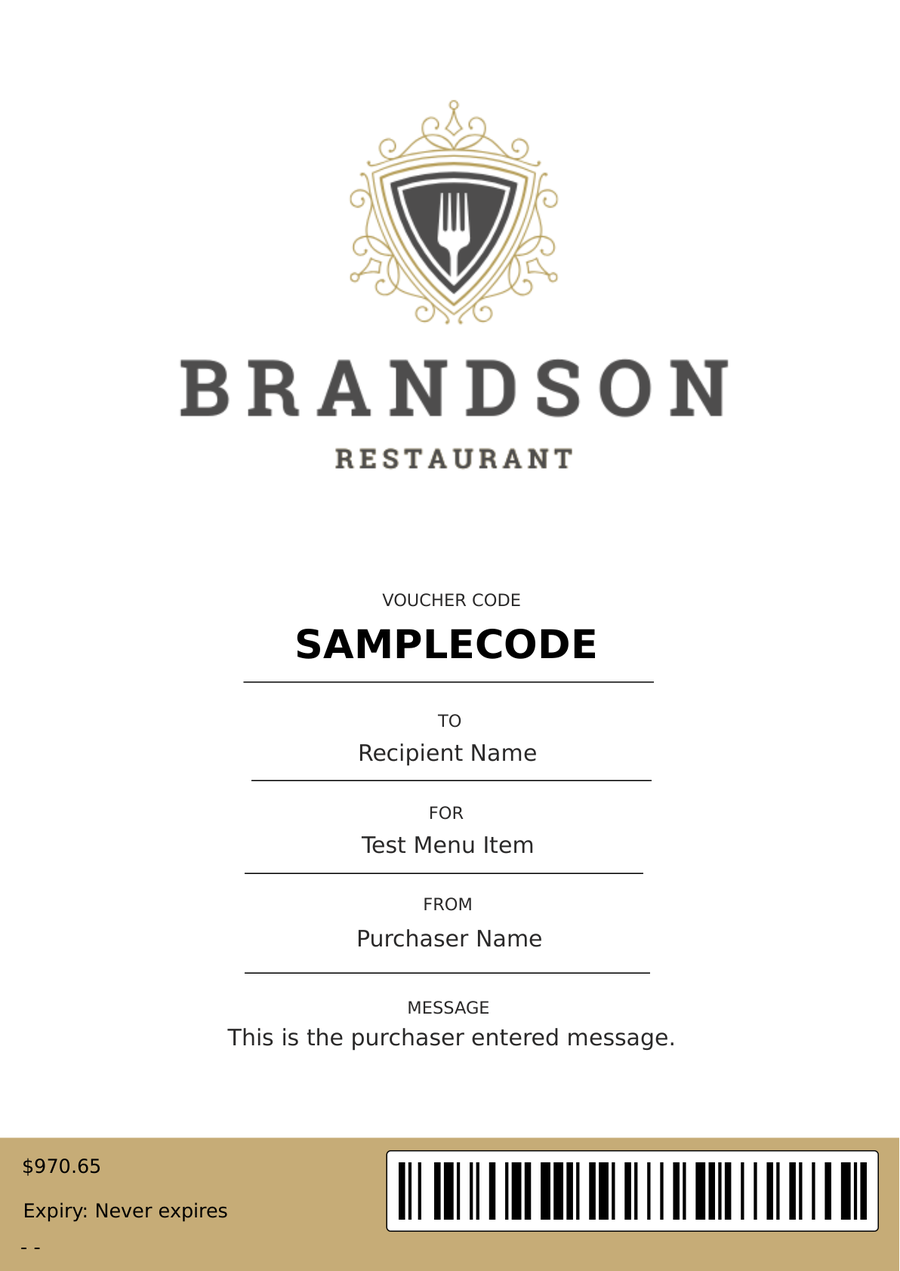
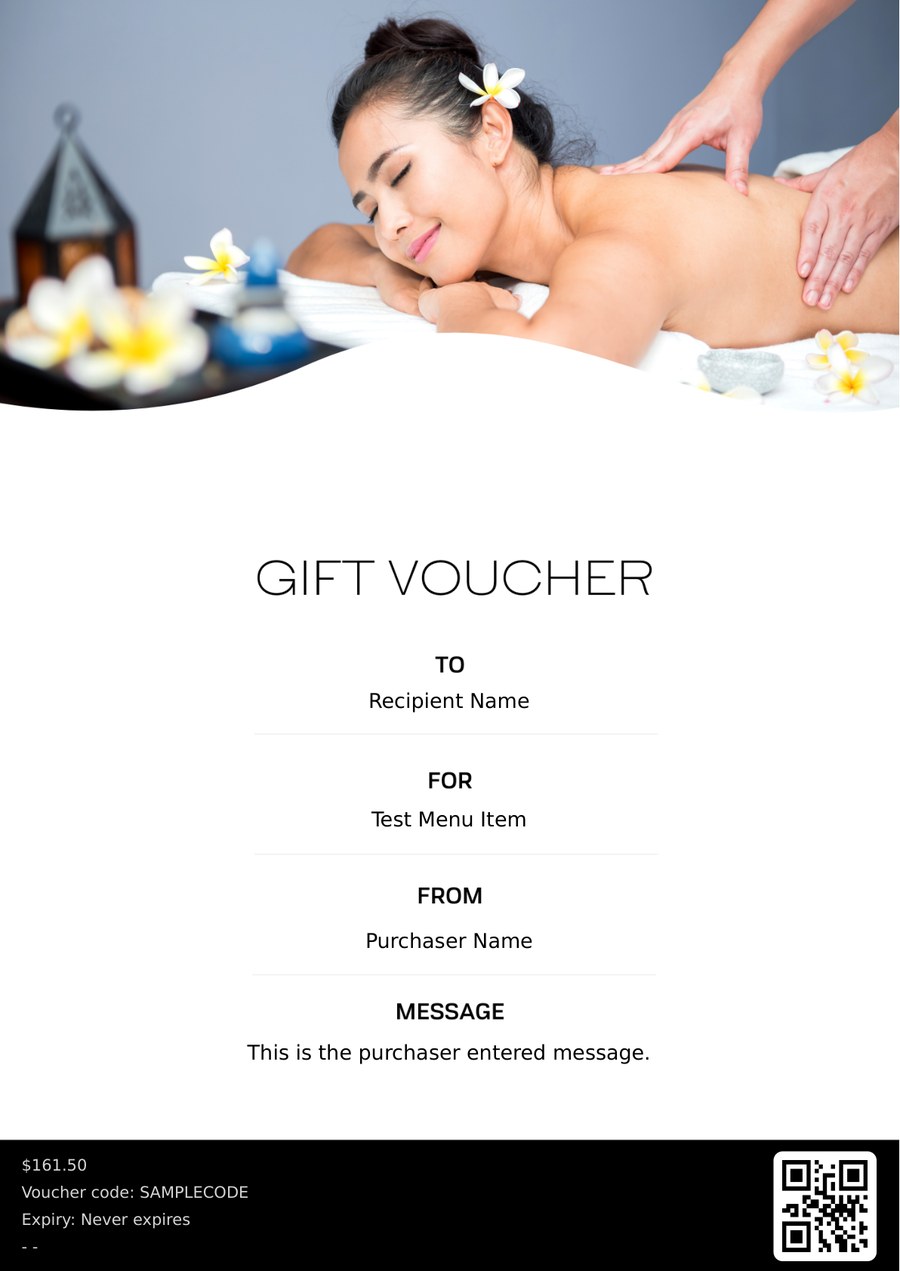
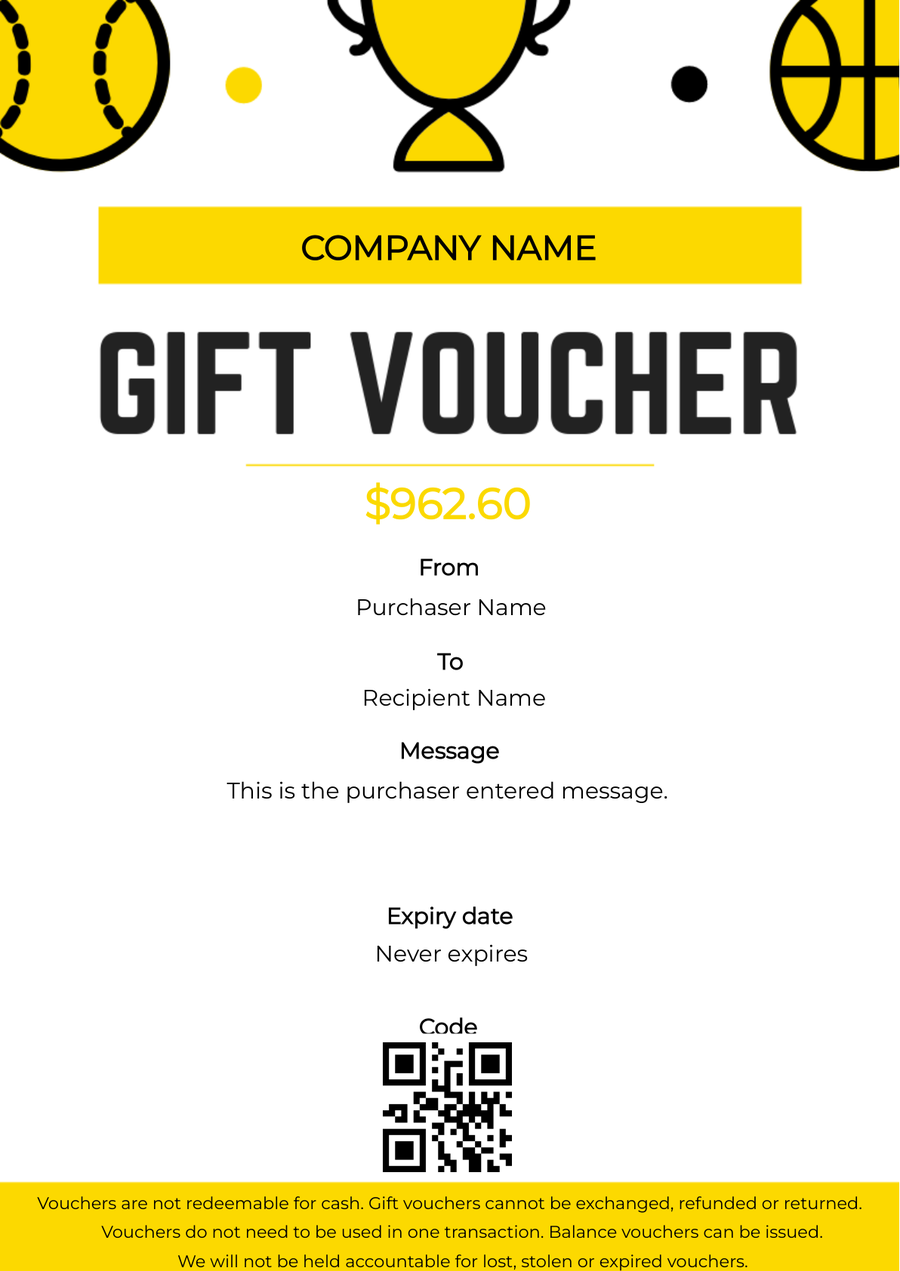
Email and voucher together
The recipient email explains the gift and links to a branded PDF voucher — designed your way. Depending on your settings, the PDF may also be attached when the file size allows.
Delivery options
For paid online orders, the recipient email is sent once the voucher is prepared for delivery.
When an online order is paid, VaocherApp sends the recipient email with the voucher download link.
Delivery follows the purchase flow from your embedded or hosted checkout.
Your brand on the gift
Delivery is one part of the gift experience. Checkout, customer emails and the PDF voucher can all reflect your business.
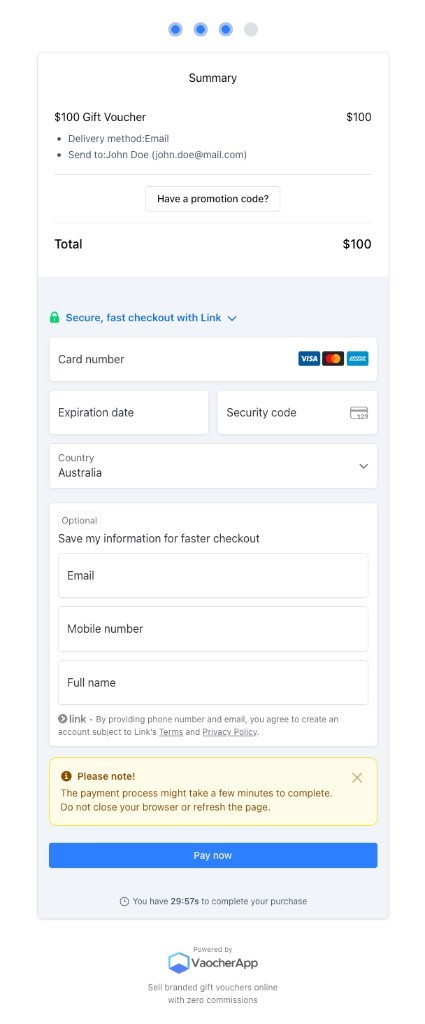
Before you go live
Place a test order and check what the purchaser and recipient receive before switching to live mode.
Follow the getting started checklistUse Test Mode to buy a voucher with a test recipient address you control.
Confirm the branding, gift message and download link look right.
Download the voucher and check the design, value and redemption details.
The recipient receives a branded email from your business with a download link to their PDF voucher. They can open it on their phone or save it for later.
Read the recipient email guideRecipient emails include a download link to the voucher PDF. Depending on your setup, a PDF or ZIP attachment may also be included. Very large files may use a download link instead of an attachment.
See how delivery worksYes. You can customise customer emails with your branding, wording and template choices. Visual design of the PDF voucher is handled separately in your voucher design settings.
Explore branding and personalisationFor paid online orders, the recipient email is sent once the voucher is ready for delivery. Offline or unpaid orders may follow a different workflow.
See how online selling worksStaff look up the voucher by code or QR scan, redeem all or part of the balance, and see what remains for later visits.
See redemption and balancesReady to deliver gifts by email
Set up branded emails and PDF vouchers for your next online gift sale.