









SwiftPOS Integration: New Items Must Be Mapped to a Voucher ID
When creating a new voucher item for a SwiftPOS-integrated account, it’s important to map the item to a valid Voucher ID in SwiftPOS before any orders are placed.
If a new item is created but not mapped correctly, customers may still be able to purchase vouchers online, however those vouchers will not be pushed through to SwiftPOS. This can result in missing vouchers at the POS and may require manual intervention from the VaocherApp Support Team.
To avoid this issue, always complete the Voucher ID mapping as part of your item setup process before making the item available for sale.
Learn more about the SwiftPOS gift voucher integration.
What to Do
- Create the new item in VaocherApp.
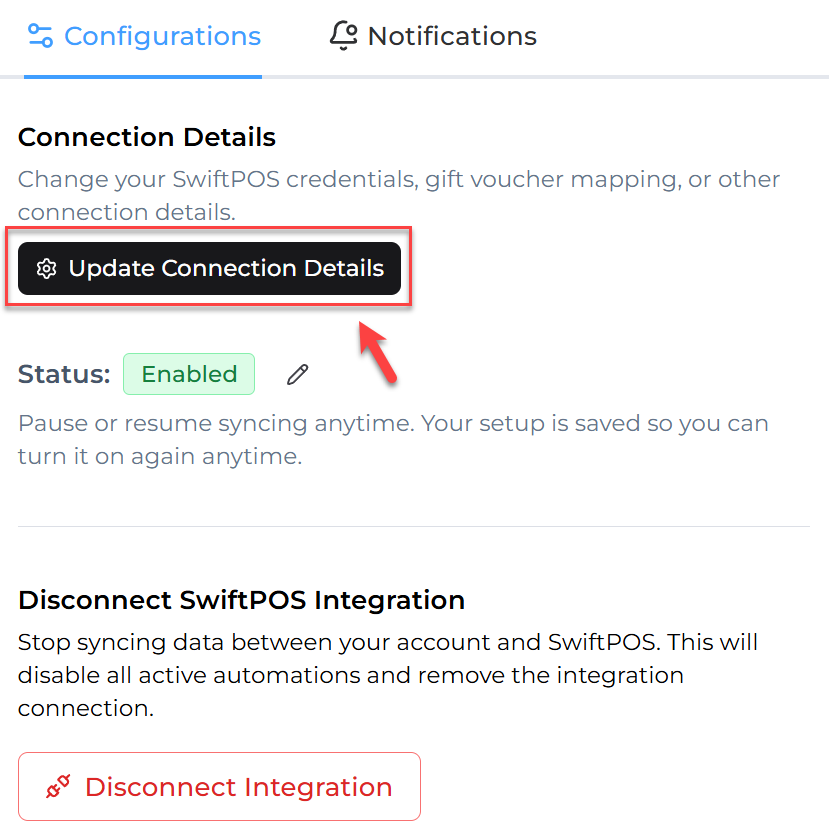
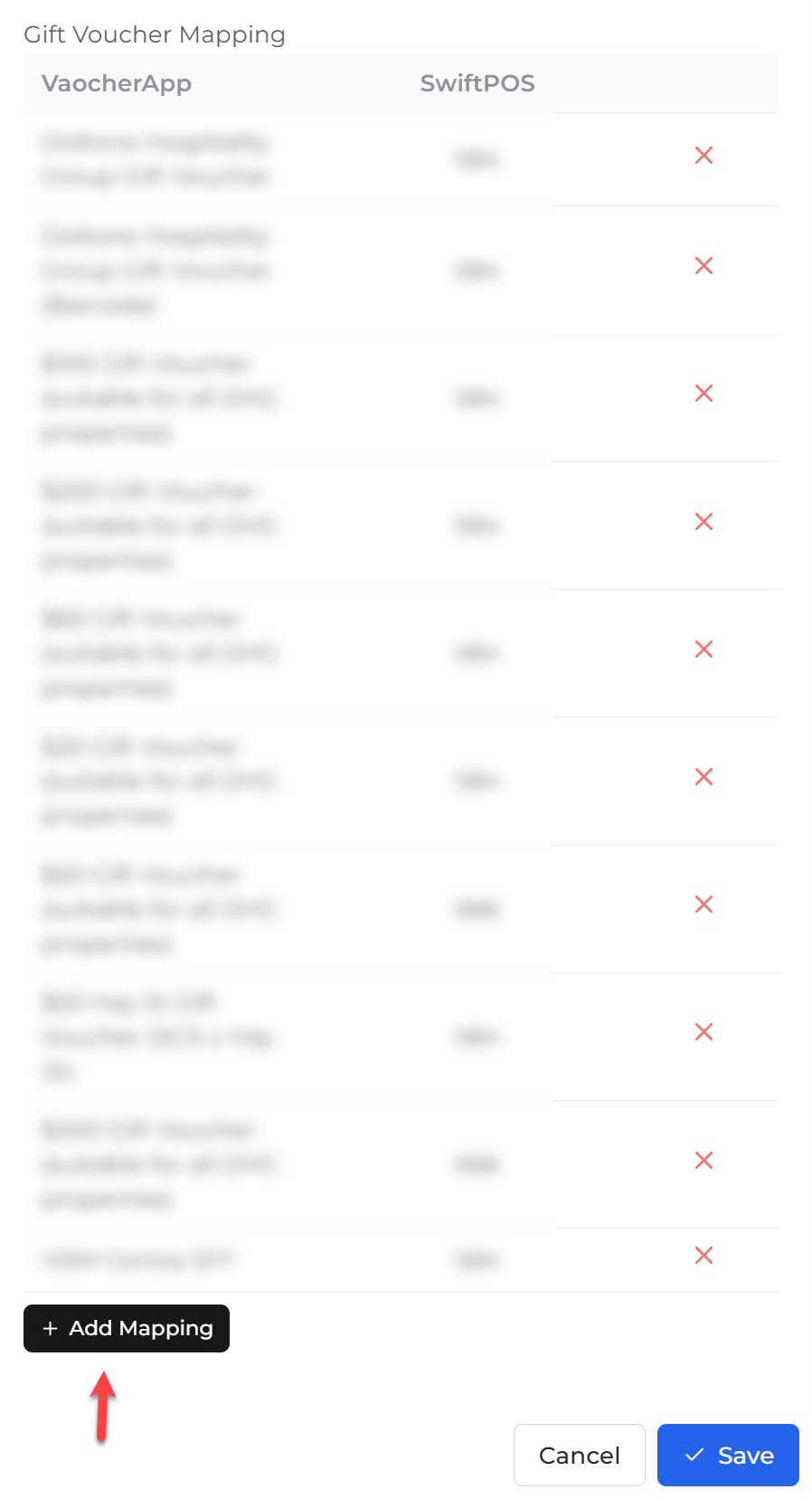
- Map the item to the correct Voucher ID in SwiftPOS.
- Save the changes before accepting orders.
Orders Placed Before Mapping?
If orders were placed before the item was mapped to a Voucher ID, those vouchers may not have been sent to SwiftPOS automatically.
Please contact the VaocherApp Support Team and we can re-push the affected vouchers to SwiftPOS once the mapping has been completed.