









How To Reactive Gift Voucher
You can reactivate both voided and expired vouchers in VaocherApp. Below are the steps for each scenario.
💡 Check out this article for how to void a gift voucher.
Reactivating a Voided Voucher
If a voucher has been voided by mistake or needs to be reinstated, follow these steps:
- Go to Orders in your VaocherApp dashboard.
- Find the order using the customer’s name, email, or voucher code.
- Click into the order to view details.
- Scroll to the voucher section and click Reactivate.
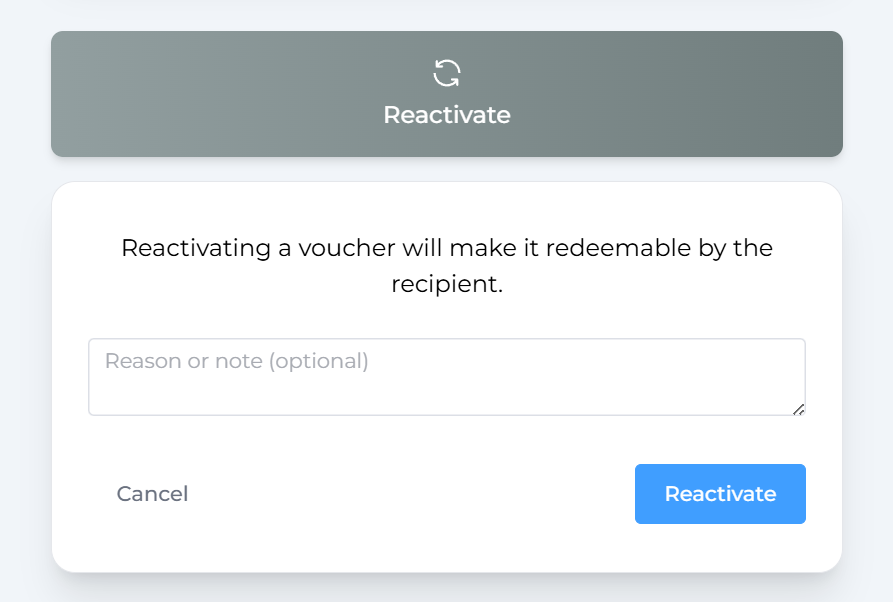
Once reactivated, the voucher status will change back to Active, and it can be used as normal.
Reactivating an Expired Voucher
If a voucher has expired but the customer still wants to use it, here’s how to reactivate it:
- Go to Orders in your dashboard.
- Search for the order containing the expired voucher.
- Click into the order to open the details.
- Click Edit on the voucher section.
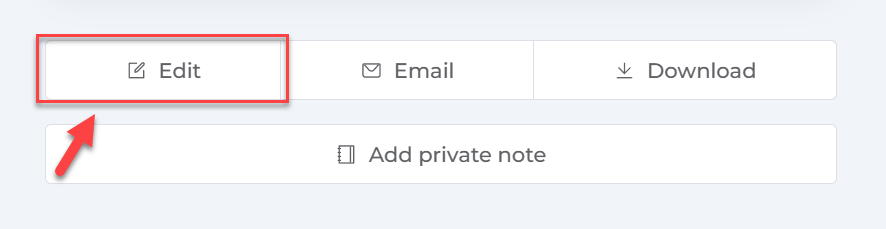
- Update the expiry date to a future date, then save the changes.
- After saving, click Void, then click Reactivate.
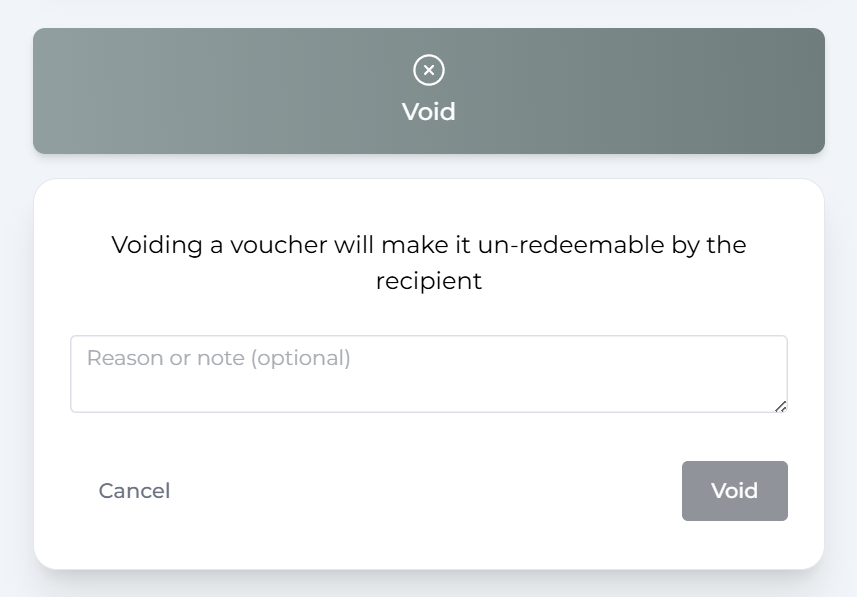
This refreshes the voucher and makes it active!