









Change your business name
Your business name is displayed throughout your VaocherApp account and may also appear on customer-facing voucher pages, emails, and other communications.
If your business name changes, you can update it at any time from your account settings.
Before you start
To change your business name, you must have administrator access to your VaocherApp account.
Change your business name
To update your business name:
- Log in to your VaocherApp account.
- Go to Settings → Business.
- Locate the Business Name field.
- Enter your new business name.
- Click Save Changes.
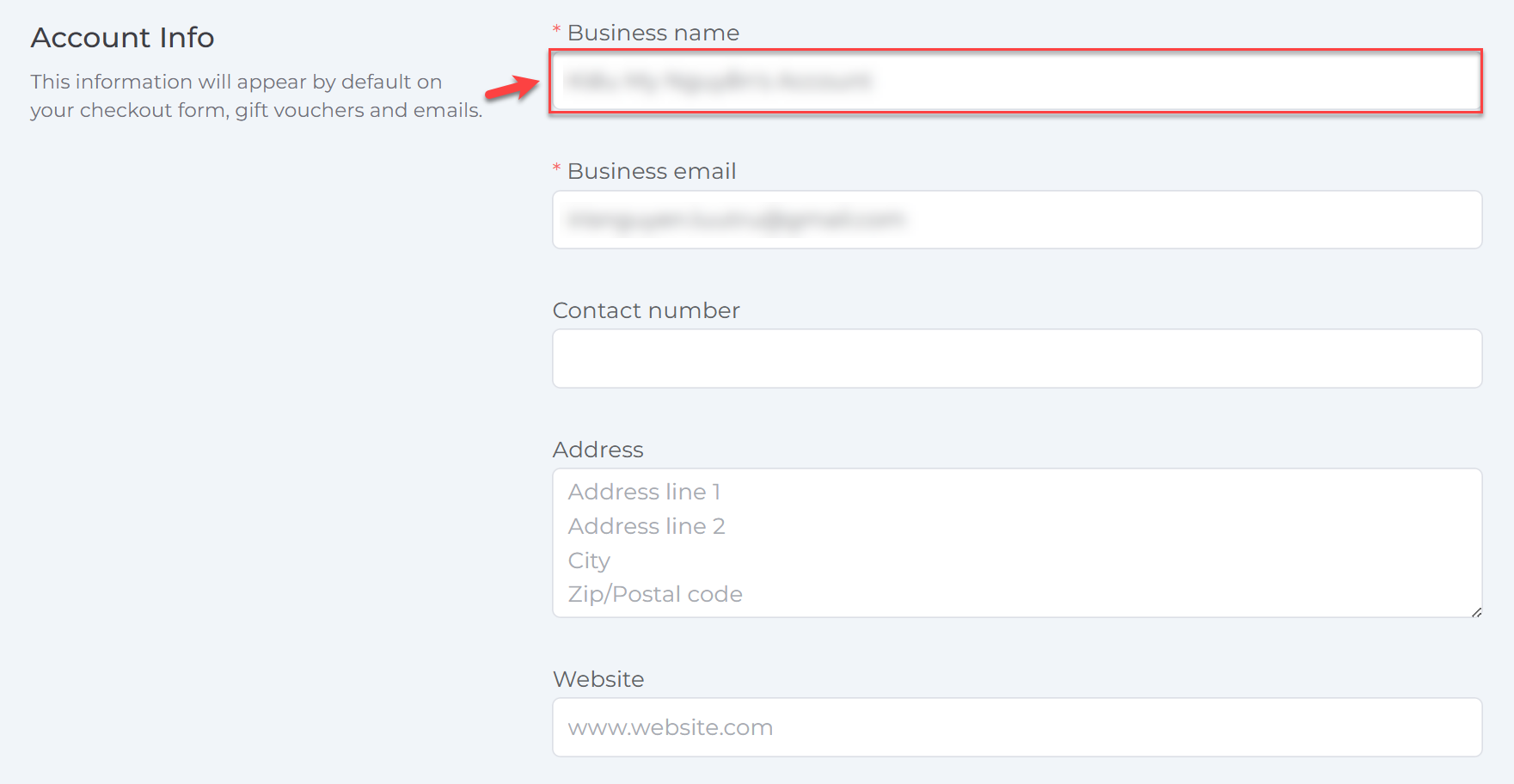
Your new business name will be applied across your VaocherApp account.
Where the business name is displayed
After updating your business name, it may appear in:
- Voucher purchase pages
- Customer emails
- Gift vouchers
- Reports
- Other customer-facing areas within VaocherApp
Some previously generated documents or emails may continue to display the business name that was used at the time they were created.
Things to know
- Only users with administrator access can update the business name.
- The change takes effect after your settings have been saved.
- Updating your business name does not affect your vouchers, orders, or customer data.