









Business Settings: Update Your Business Email Address
Your business email appears by default on your checkout form, gift vouchers, and emails. Keeping this email current is crucial for receiving all important notifications, reports, and updates related to your VaocherApp account.
Why Update Your Business Email?
This email is the primary contact for billing information, system alerts, and support communications. Keeping it accurate ensures you won’t miss critical information about:
- Gift voucher sales and redemptions
- Automated reports like expiring vouchers and financial transactions (see guides: How to Run a Report to Check Expiring Vouchers, How to Export Financial Transactions)
- Billing and subscription updates
- Security alerts and login verifications
How to Update Your Business Email Address
Follow these steps to update your business email safely:
1. Log In to VaocherApp
Go to vaocher.app/login and sign in with your current credentials.
2. Access Business Settings
From your dashboard, open the Settings menu and select Business Settings or navigate directly to Business Settings.
3. Enter Your New Email Address
Find the Business Email field and type your updated, regularly monitored email address.
Tip: Verify your email for typos to avoid missing important communications.
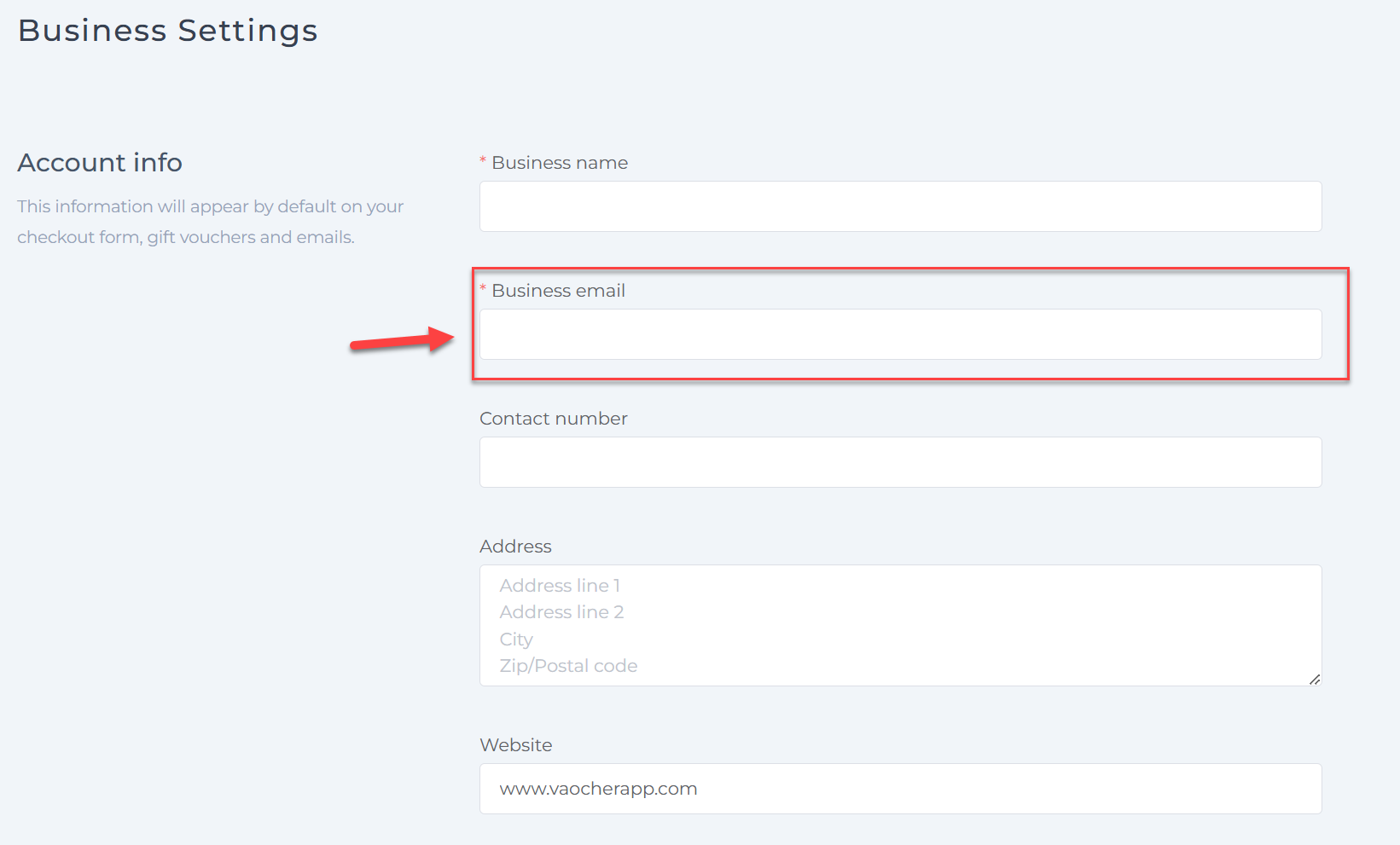
4. Save Your Changes
Scroll down and click Save Changes to update your email.